Best Lash Booking Software: Complete Guide for 2026
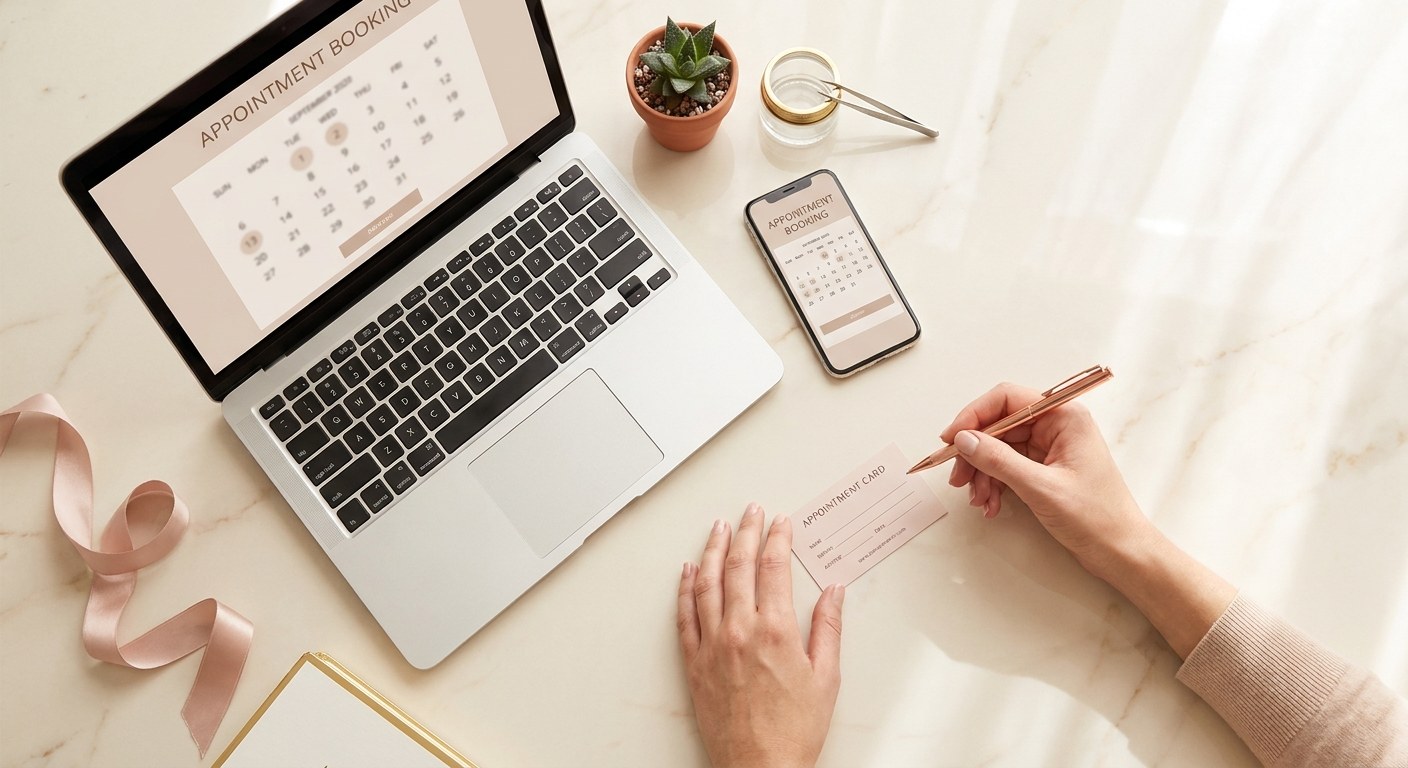
Search "lash booking software" and you will mostly find general appointment tools like Bookeo, built to serve every kind of business from tattoo shops to tutoring services. They work, in the same way a universal remote works: technically functional, but never quite matched to what you actually need. Here is what lash booking software should do, why generic tools fall short, what to actually look for before you commit to one, and how to switch without disrupting a single booking.
What lash booking software actually does
At its core, lash booking software gives your clients a page where they can see your real-time availability and book themselves, day or night, without a phone call or a string of Instagram DMs. Behind that page sits a calendar that blocks off the right amount of time per service, a reminder system that emails or texts clients automatically before their appointment, and a client record for every person who has ever booked with you. The best tools tie all three together, so a booking on your public page instantly appears on your calendar and triggers the correct reminder sequence without you touching anything.
Why generic booking tools miss lash-specific needs
General appointment software is built to serve the widest possible market, which means it is built around the lowest common denominator: a name, a service, a time slot. It has no concept of curl type, length, thickness, or adhesive sensitivity, so lash techs end up bolting on a second system, usually paper, just to track the details that actually determine a good fill. Generic tools also rarely think about fill cycles or how to flag a client who is overdue for a rebook, because that concept does not exist outside of lash and brow work. The result is software that handles the calendar fine but leaves everything that makes a lash studio run smoothly to you and a stack of index cards.
The feature checklist for lash booking software
- ✓ 24/7 online booking: your public booking page should work at midnight as well as it does at noon, showing real availability based on your actual working hours and existing appointments.
- ✓ Automatic reminders: email or SMS reminders that go out without you lifting a finger are the single biggest lever against no-shows, and timing options matter, since a 24-hour and a 2-hour reminder combined outperform either alone.
- ✓ No-show reduction tools: look for deposit collection, clear cancellation policies built into the booking flow, and confirmation emails that reduce the chance a client simply forgets.
- ✓ Client lash profiles: curl, length, thickness, adhesive sensitivity, and notes from past sessions should live in a searchable profile, not scattered across memory and paper.
- ✓ Revenue tracking: monthly and yearly revenue by service and by client turns pricing and marketing decisions from guesswork into something you can actually measure.
What lash booking software costs in 2026
Most booking software, generic or lash-specific, lands somewhere between $15 and $120 a month depending on the plan and the number of staff. Some generic platforms price by "consultant" or seat count, which barely matters to a solo lash tech or a two-chair studio. What should actually drive your decision is not the price tag but whether the features match your workflow. A $29 plan with lash-specific client profiles and reminders built in will do more for your business than a $79 plan designed for a hair salon with ten stylists.
Example
A solo lash technician booking four appointments a day at $150 average loses roughly $600 in revenue for every week that a preventable no-show empties a chair. A $29 a month plan with automatic reminders and a public booking page pays for itself if it prevents just one no-show every five months, and most studios see far more than that in the very first month.
Switching without losing a single booking
The biggest hesitation lash techs have about changing booking software is rarely the software itself, it is the fear of losing existing appointments or confusing regular clients mid-transition. In practice, a clean switch is far easier than most people expect if you follow a short sequence instead of flipping everything over at once.
Start by exporting your existing client list, even if it currently lives in a spreadsheet, a notes app, or a stack of index cards. Most booking platforms, including LashDesk, let you import clients in bulk from a CSV file, so typing every name in one at a time is rarely necessary. Enter upcoming appointments manually for the first week or two rather than trying to migrate your entire calendar history on day one. History is nice to have, but future bookings are what actually need to be accurate from the start.
Run both systems in parallel for a short overlap period, typically one to two weeks, rather than shutting off your old method the same day you turn on the new one. During that window, confirm every new booking lands correctly and every reminder fires at the time you expect. This is also the point to test the client experience yourself: book a test appointment through your own public page the way a client would, and make sure the confirmation email looks right before sending clients your new link.
Tell clients about the change with a single simple message rather than a lengthy explanation. Something like "We've upgraded our booking system, here's your new link to book your next appointment" is enough. Clients rarely care which tool you use as long as booking still feels easy, and a cleaner, faster booking page is usually a noticeable improvement they mention on their own.
Once the overlap period ends and you have confirmed a full week of bookings ran smoothly, retire the old system completely. Keep an exported backup of your old records somewhere safe, but there is no need to keep paying for or maintaining two systems once the new one is proven out.
LashDesk: booking software built exclusively for lash technicians
LashDesk was built from the ground up for lash studios, not adapted from a generic appointment tool. Every client profile includes fields for curl, length, thickness, and adhesive notes. Every appointment can trigger multiple automatic reminders at the timings that actually reduce no-shows. Your public booking page lets clients book themselves 24/7, and revenue tracking shows exactly which services and clients drive your income. If you have been managing your studio with a generic tool or a paper planner, switching to booking software built specifically for lash work is one of the highest-leverage changes you can make.
Try LashDesk free for 14 days, no credit card required.
Frequently Asked Questions
Is lash booking software hard to set up?
Most lash technicians are fully set up within 15 to 30 minutes. You add your services and prices, set your working hours, and the public booking page and reminder system are ready to use immediately.
Can I keep using Instagram DMs alongside booking software?
Yes. Most studios link their public booking page directly in their Instagram bio so clients who prefer to book instantly can, while you can still manually add a booking for anyone who messages you directly.
Do clients need to download an app to book?
No. A good public booking page works directly in a client's phone or desktop browser, with no app download or account creation required on their end.
What happens if I need to reschedule a client after they book online?
Good booking software lets you move an appointment to a new date or time from your calendar in a few clicks, and can automatically notify the client of the change so you do not have to message them separately.
Is it worth paying for booking software as a brand new lash technician?
Yes, arguably more so than for an established studio. New technicians benefit most from looking professional from day one, and automatic reminders prevent the no-shows that hurt a still-growing client base the most.