5 Lash Appointment Reminder Templates That Actually Get Clients to Show Up
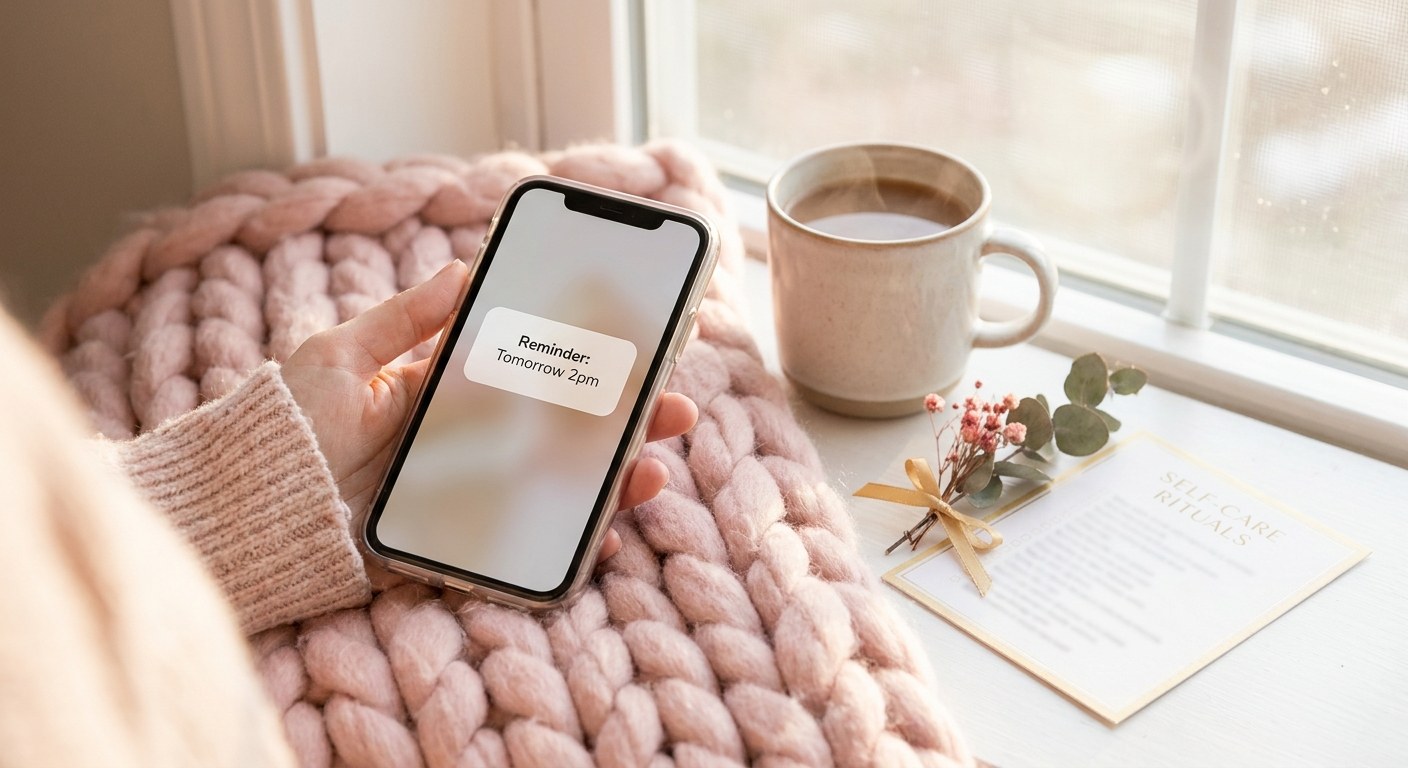
Most lash techs know they should send appointment reminders. Fewer think about what the reminder actually says. A vague "see you soon!" does far less work than a message with the date, time, service, and a clear next step spelled out. The wording, timing, and tone of your reminder message all affect whether a client actually shows up. Here is how to get all three right, plus five templates you can copy and use today.
Why the wording of your reminder matters
A reminder's job is not just to appear in someone's inbox or texts. It needs to be read, understood in three seconds, and act as a nudge to check the calendar. Reminders that bury the appointment details in a paragraph, or that read as generic and automated, get skimmed and forgotten. A good reminder message leads with the specifics: what, when, and where, followed by anything the client needs to do before arriving.
Timing: when to actually send each reminder
Immediately after booking: a confirmation message with the full appointment details, sent the moment a client books, whether online or by phone.
24 hours before: the main reminder, giving a client enough notice to reschedule if something has come up, without so much lead time that it is easy to forget again.
2 hours before: a short same-day nudge. This is the message that catches the client who fully intended to come but lost track of the time. Studios that combine a 24-hour and a 2-hour reminder consistently see fewer no-shows than those using either one alone.
Tone tips: friendly, not robotic
Keep the message warm and personal, using the client's first name and your studio's name rather than a generic sender. Keep it short. A reminder is not the place for a paragraph of your studio's story. State the appointment details plainly, add one warm sentence, and end with a clear action if a change is needed, such as a reply or a rescheduling link. Avoid language that sounds like a warning or a threat. "We look forward to seeing you" works better than "please confirm or your slot may be released."
Reminder system checklist
- ✓ Instant confirmation: sent the moment a client books, whether online or by phone.
- ✓ 24-hour reminder: enough notice for a client to reschedule if something has come up.
- ✓ 2-hour same-day nudge: catches the client who fully intended to come but lost track of the time.
- ✓ Personalized sender and name: the client's first name and your studio's name, never a generic automated sender.
- ✓ One clear call to action: a single reply option or rescheduling link, never multiple competing instructions.
- ✓ Fully automated timing: every message fires on schedule without you remembering to send it manually.
5 copy-paste appointment reminder templates
1. Booking confirmation (sent immediately):
"Hi [Name], you're booked! [Service] with [Studio Name] on [Date] at [Time]. We can't wait to see you. Need to make a change? Just reply to this message or use your booking link."
2. 24-hour reminder:
"Hi [Name], quick reminder that your [Service] appointment is tomorrow, [Date] at [Time], at [Studio Name]. See you then! Reply here if anything's changed."
3. 2-hour same-day reminder:
"Hi [Name], see you soon! Your [Service] appointment is today at [Time]. We're looking forward to it."
4. New client reminder with policy note:
"Hi [Name], excited for your first visit! Your [Service] appointment is on [Date] at [Time] at [Studio Name]. A quick note: we ask for 24 hours' notice for cancellations. See you soon!"
5. Rescheduling-friendly reminder:
"Hi [Name], your [Service] appointment is coming up on [Date] at [Time]. Can't make it? No worries, just reply or tap here to pick a new time: [reschedule link]."
Example
A studio that switched from a single day-before email to the full three-message sequence, immediate confirmation, 24-hour reminder, and 2-hour nudge, saw a client who had no-showed twice in the previous quarter reply to the 2-hour text asking to push her appointment back by 30 minutes instead of missing it entirely. The same client had never replied to the old single email reminder.
Adjusting timing for early appointments and same-day bookings
The standard 24-hour and 2-hour sequence works well for most bookings, but two situations call for a small adjustment. The first is an early morning appointment, say 8 or 9 a.m. A strict 2-hour-before reminder would fire at 6 or 7 a.m., which either wakes a client up unnecessarily or gets buried once she is already awake and moving through her morning. For early appointments, shifting that same-day reminder to the evening before, alongside the 24-hour reminder, or to a slightly later but still pre-appointment hour tends to perform better than a rigid 2-hour rule applied without exception.
The second situation is a same-day booking, where a client books an appointment for later that same day. In this case there is no 24 hours to send the main reminder, so the confirmation message effectively becomes the only reminder before the 2-hour nudge. Make sure that immediate confirmation message is just as complete and clear as a normal 24-hour reminder would be, since it is doing double duty. Some studios also add a short "see you in a few hours" nudge shortly after a same-day booking is confirmed, purely to reinforce that the appointment registered correctly.
Good reminder software should let you adjust these timings by service or by time of day rather than applying one rigid rule to every booking, since a one-size-fits-all schedule misses exactly the edge cases where a thoughtful adjustment matters most.
Automate it instead of typing it every time
Typing and sending these manually for every appointment does not scale past a handful of clients a week. LashDesk sends templated reminder emails and texts automatically at the timings you choose, so every client gets the right message at the right moment without you lifting a finger.
Try LashDesk free for 14 days, no credit card required.
Frequently Asked Questions
Should reminders be sent by text or email?
Both work well, and many studios use email for the detailed confirmation and 24-hour reminder, then a short text for the 2-hour same-day nudge, since texts tend to be seen faster on short notice.
Can I customize these templates with my own branding?
Yes, swap in your studio name, tone, and any specific policy details, but keep the structure of leading with the appointment specifics before adding personal touches, since that structure is what makes a reminder easy to scan quickly.
How many reminders is too many?
Three messages, confirmation, 24-hour, and 2-hour, is the sweet spot for most studios. Adding more than that risks feeling like spam and can actually cause clients to start tuning out your messages.
What if a client doesn't respond to any reminder?
No response is not necessarily a bad sign, since most clients only reply when something needs to change. If a client has a history of no-shows despite reminders, that is the point to consider requiring a deposit for her future bookings.
Do these templates work for group bookings or bridal parties?
Yes, with a small adjustment: address the message to the person who made the booking and include the full group's appointment time, so one person can coordinate the rest of the party rather than everyone receiving separate messages.