Paper vs Digital Client Records: Why Lash Techs Are Switching in 2026
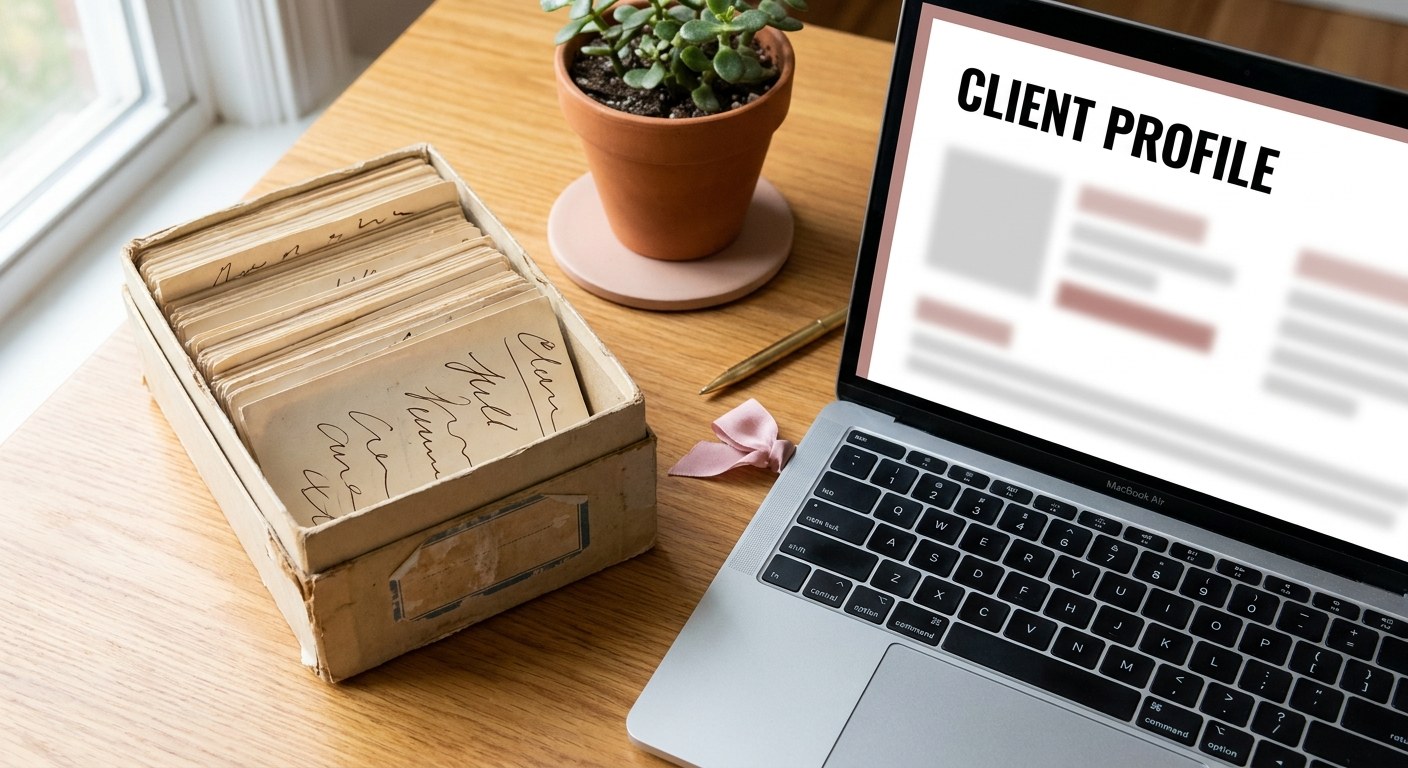
Ask most lash technicians how they keep client records and the answer is still the same: a box of index cards, a notebook behind the desk, or notes typed into their phone. Paper has worked for years. But as studios grow and client lists expand, the cracks in paper-based systems start to show in ways that cost real time and real money.
The problems with paper client records
You cannot search them. When a client calls to rebook and you cannot remember whether she prefers C curl or D curl, you have to flip through a stack of cards hoping to find hers. With 50 or 100 clients, this takes minutes you do not have while someone is waiting on the phone.
They are not backed up. A spilled coffee, a flood, a fire. Paper records can be destroyed in seconds and there is no way to recover them. Years of carefully documented client preferences, gone.
Handwriting degrades over time. Notes written in a rush, abbreviations that made sense last year but are now cryptic, cards that have been handled so many times they are barely legible. Paper records require your full attention to be useful, and they rarely get it.
They do not connect to anything. Paper notes sit in isolation. They do not connect to your booking calendar, your revenue, or your reminder system. Every time you switch between systems, you lose time.
What digital client records actually give you
- ✓ Instant search: type three letters of a client's name and her full profile appears, curl type, adhesive sensitivity, fill cycle, last appointment, and notes from previous sessions, all immediately visible.
- ✓ Automatic backup: cloud-based records are stored securely and backed up automatically, surviving any hardware failure, flood, or office move.
- ✓ Connected to your calendar: when a client books, her appointment automatically links to her profile, with no manual entry and no risk of getting out of sync.
- ✓ Patterns across clients: see which services are most popular, which clients are overdue for a fill, and which clients have not been back in months.
Example
A studio with roughly 90 active clients on paper index cards spent close to 20 minutes searching for a specific card whenever a client called with a vague description like "the one with the blue border." After digitizing, the same lookup by name or phone number took under five seconds, and the studio recovered nearly two hours a week previously lost to manual searching and re-filing.
What to look for in a digital solution
Not all software is built equally. A generic CRM or salon software designed for hair or nails will make you adapt your workflow to their system. What lash technicians actually need is something built specifically for lash work, with fields that match how you work: curl type, diameter, length, adhesive notes, mapping diagrams, fill intervals.
Look for software that is easy to use between appointments, works on mobile, and includes automated client reminders so you are not manually texting confirmations. Bonus points if it has a public booking page so clients can self-book without the back-and-forth.
How to digitize your paper records without losing a client
The safest way to digitize an existing paper system is gradual rather than all at once. Start with your most active clients, the ones you expect to see again within the next month or two, and enter their profiles the next time they come in for an appointment rather than trying to type in your entire card box in one sitting. This spreads the data entry work naturally across your existing schedule instead of creating one overwhelming project.
Keep the physical cards accessible during the transition rather than boxing them up immediately. For the first month or two, treat the digital profile as the primary record for anyone who has been entered, but leave paper cards as a fallback reference for clients who have not been digitized yet. This avoids the risk of losing information for a client who calls to rebook before her card has been entered into the new system.
Photograph or scan any card with detailed handwritten notes before it gets buried or discarded, even if you do not have time to fully transcribe it into structured fields right away. A photo of the original card is far better than nothing if you later need to reference a detail that was not caught during a quick digital entry. Once a client has a complete digital profile and you have confirmed it during at least one appointment, the paper card for that client can be safely retired.
Most studios find that within two to three months of consistently digitizing active clients at each visit, the vast majority of their real, ongoing client base is fully in the new system, with only rarely-seen or inactive clients still living on paper, which is a reasonable place for that information to stay until or unless those clients return.
Making the switch is easier than it sounds
The most common reason lash techs delay going digital is the thought of migrating existing records. In practice, most studios find it easiest to simply start entering clients digitally as they come in for appointments. Within a few months, your most active clients are in the system. Older records can be added gradually or left in their physical format for reference.
The first week with a digital system feels slightly slower, since you are learning a new layout while still keeping one eye on your old paper habits. By the second week, most techs say they cannot imagine going back, largely because the time saved on searching and rewriting notes becomes obvious almost immediately once a handful of regular clients are fully in the system.
LashDesk is built for exactly this
LashDesk includes client lash profiles designed specifically for lash technicians, with fields for curl, length, adhesive notes, and full appointment history. Profiles connect directly to your booking calendar and reminder system. Everything in one place. Try it free for 14 days, no credit card required.
Frequently Asked Questions
Is my client data actually secure in cloud-based software?
Reputable client management platforms encrypt stored data and use secure cloud infrastructure with automatic backups, which is generally far more secure than paper records that anyone can pick up and read, or a personal device with no backup at all.
Do I need to be tech-savvy to switch from paper?
No. Most lash-specific software is designed to be usable without any technical background, with straightforward forms that mirror the same fields you would write on a paper card.
What happens to my digital records if I stop using the software?
Good platforms let you export your full client list and history as a CSV file at any time, so your data is never locked in permanently, even if you decide to switch tools later.
Can I use a spreadsheet instead of dedicated software?
A spreadsheet is better than paper, but it will not automatically connect to your booking calendar or send reminders, which means you are still doing manual work that dedicated lash client software eliminates entirely.
How long does the full transition from paper usually take?
Most studios have their active client base fully digitized within two to three months by entering clients as they come in for appointments, with no need to set aside a large block of time for manual data entry.